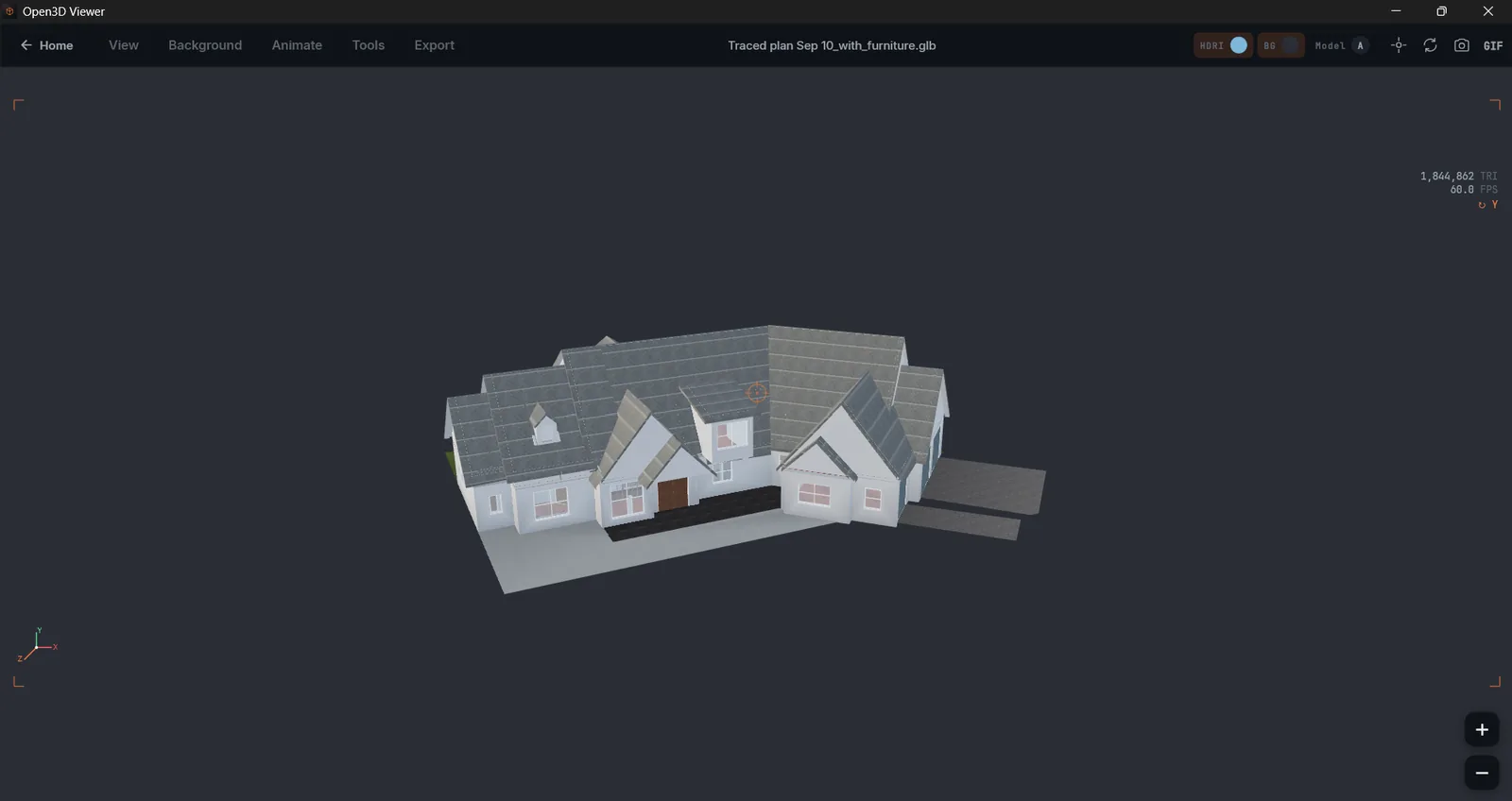
View any 3D file in your browser.

Drop a file. No upload, no account, no install.

Ready Max 250 MB · on-device

Drop a file here

or click to browse

Idle · awaiting file Open with O
Opens .glb .gltf .fbx .stl .obj .ply .3mf .dae .3ds .dxf .step .iges
Supported formats

Twelve file extensions. One drop zone.

The formats people actually have on their drive — from the web's glTF standard to the FBX files Maya and Unreal ship.

.glb
glTF Binary

The web's standard for 3D — meshes, materials, animation, packed into one file.

Most common
.gltf
glTF JSON

Editable glTF with external textures. Common output from Blender, Sketchfab, and most engines.

Text-based
.fbx
Autodesk FBX

The interchange format for Maya, Blender, Unreal, Unity. Rigs, skinning, animation tracks.

Industry standard
.stl
Stereolithography

The lingua franca of 3D printing. Triangle meshes, nothing else.

3D printing
.obj
Wavefront OBJ

The 35-year-old standard everything still exports to. Mesh plus optional MTL.

Universal
.ply
Polygon File

Point clouds and scans, often from photogrammetry or LiDAR.

Scanner output
.3mf
3D Manufacturing Format

STL's successor — color, materials, and print metadata, all in one file.

Color print
.dae
Collada

SketchUp, Daz, older Blender. Meshes, materials, and skeletal animation in XML.

Legacy interchange
.3ds
3D Studio

Autodesk's original mesh format from the DOS era — still hanging around in asset packs.

Vintage
.dxf
AutoCAD DXF

2D drawings and 3D entities. Floor plans render top-down, 3D entities render in orbit. Lines, arcs, splines, blocks.

CAD
.step
STEP (ISO 10303)

B-rep CAD interchange — SolidWorks, Fusion 360, CATIA. Tessellated in-browser via OpenCASCADE.wasm. Also opens .stp.

CAD
.iges
IGES

Older CAD interchange standard. Surfaces, curves, B-rep solids. Same OpenCASCADE backend as STEP. Opens .igs too.

CAD legacy
USDZ · VRML — coming next Updated · 2026·05
What it does

A viewer that earns its place on your bookmark bar.

Not features for a deck. Features you'll use the third time you open a file.

Privacy & offline

Your files never leave your machine.

The viewer is a static page. There's no server to upload to. Disconnect your wifi after the first load — it keeps working.

0 bytes uploaded verified · in your network tab

Measure

Click two points. Get the real distance.

Real units. Real geometry. Useful for checking dimensions before you slice for print.

147.32 mm P1 P2
Render modes

Solid. Wire. X-ray.

Three ways to look at the same mesh. One keystroke between them.

Solid
Wire
X-ray
Cross-section

Slice through anything.

A draggable plane reveals interior geometry — wall thickness, voids, hidden ribs.

HDRI environments

Lighting that doesn't lie.

Studio, sunset, overcast, night — see how materials actually behave under real light.

Studio
Sunset
Overcast
Night
Real-scale grid

A grid that means millimeters.

Switch between mm, cm, inches. The floor knows what it is.

120.5 mm
Print-readiness

Will it print? Now you know.

Manifold check, normal flips, minimum thickness. Before you send to the slicer.

Capture

PNG, or a GIF that spins.

Press S for a still. Press G for an orbit.

01
02
03
.gif
Are my files uploaded anywhere?
No. The viewer is a static page. Your file is read by the browser, decoded by JavaScript running on your device, and rendered on a canvas. Nothing crosses the network — open your browser's network tab while dropping a file and see for yourself.
Does it handle rigged or animated FBX?
Yes. Meshes, skinning, and animation tracks all load. We use a community-maintained FBX loader that covers the parts of the format 95% of real files actually use. Some niche Autodesk-specific features (constraints, custom deformers) won't replay, but the geometry and motion you care about will.
Will it stay free?
Yes. The web viewer is free and ad-supported. The native apps are free on the stores that allow it. No subscriptions, no Pro tier.
How big a file can I open?
The web viewer comfortably handles files up to ~250 MB on a recent laptop. The native apps go further — they don't have browser memory limits. Tens of millions of triangles is the realistic ceiling.
Does it work offline?
Once the page has loaded once, yes — it's cached as a PWA. Drop the connection and it keeps working. The native apps are offline-first by design.
Can I measure, annotate, or section my model?
Measure (point-to-point) and cross-section (a draggable plane) ship today. Annotations — pinning a label to a vertex you can come back to — are in the next release. Print-readiness diagnostics are there for .stl, .obj, and .3mf.